 By
By 
The best options for free cloud computing with no credit card are Cloudways, with a 3-day managed cloud trial, and BitLaunch, which gives free trial credit on request and takes crypto only. If you don't mind adding a card for verification, Kamatera has the longest trial: 30 days with $100 of credit.
If you are planning to test out cloud computing, you might need to provide card details for a few services. These are established companies, and the card is mostly there to verify that you are a real user and not a spammer. You won't pay anything during the trial, but once the trial ends, the charge is applied automatically unless you delete your servers or cancel in time.
All of them are reliable cloud providers and it’s safe to give your credit card details. I have covered everything you need to know about the trial here. If there are any requirements (or charges), you can find them right here.
Best Free cloud computing with no credit card



Compare these plans in a table
| Provider | BitLaunch (Cloud VPS) | Cloudways (Managed Cloud) | Kamatera (Compute) |
|---|---|---|---|
| Product | BitLaunch (Cloud VPS) | Cloudways (Managed Cloud) | Kamatera (Compute) |
| Trial Period | Free trial credit on request (live chat) | 3-day free trial | 30-Days Free Trial ($100 credits) |
| Credit Card | No CC Required (crypto only) | No CC Required | CC Required |
| Starting price | Billed hourly | $14/month | $4/month |
We will now see the best 8 free cloud computing where you can get a free trial.
#1 Cloudways (No CC Required)
If you are a beginner or a developer who wants to try managed hosting with high computing instances, Cloudways can provide you with just that. Here, you will get 3 days of a free trial. They know what it takes to test a server.
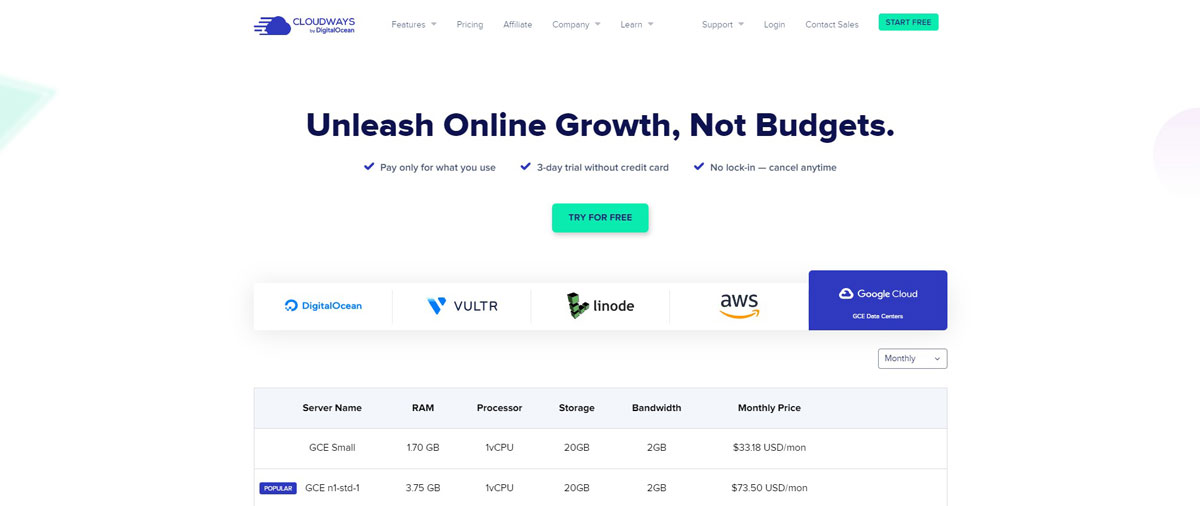
Now that you know about the trial period, let’s talk about this hosting company. Cloudways is known as the Beginner-friendly cloud. It completely integrates with Docker, Slack, Gitlab, or any other software you might be using.
One of the things that are unique about Cloudways is the pricing model. You only get billed for the resources you use. It becomes easier to predict the price.
You can either get a standard, general-purpose, or CPU-optimized server. Starting from deployment to management, Cloudways makes things easier.
Trial Details
- You will get 3 days of a free trial.
- No credit card is required.
- You can cancel at any time.
Data Centers
Cloudways offers a choice of 65+ Data Center Locations across 4 continents thanks to their cloud infrastructure partners.
Best Features of Cloudways
- Free SSL & Automatic Backups.
- Staging environment.
- You can keep complete control of costs with hourly billing.
- A complete marketplace to find the best apps for your cloud computing.
- The cloud is suitable for every service whether it’s SaaS or you are planning to have something unique.
- Due to easy configuration, it becomes a cost-effective way to do cloud computing in the Cloudways. The price is reasonable.
#2 BitLaunch (No CC Required)
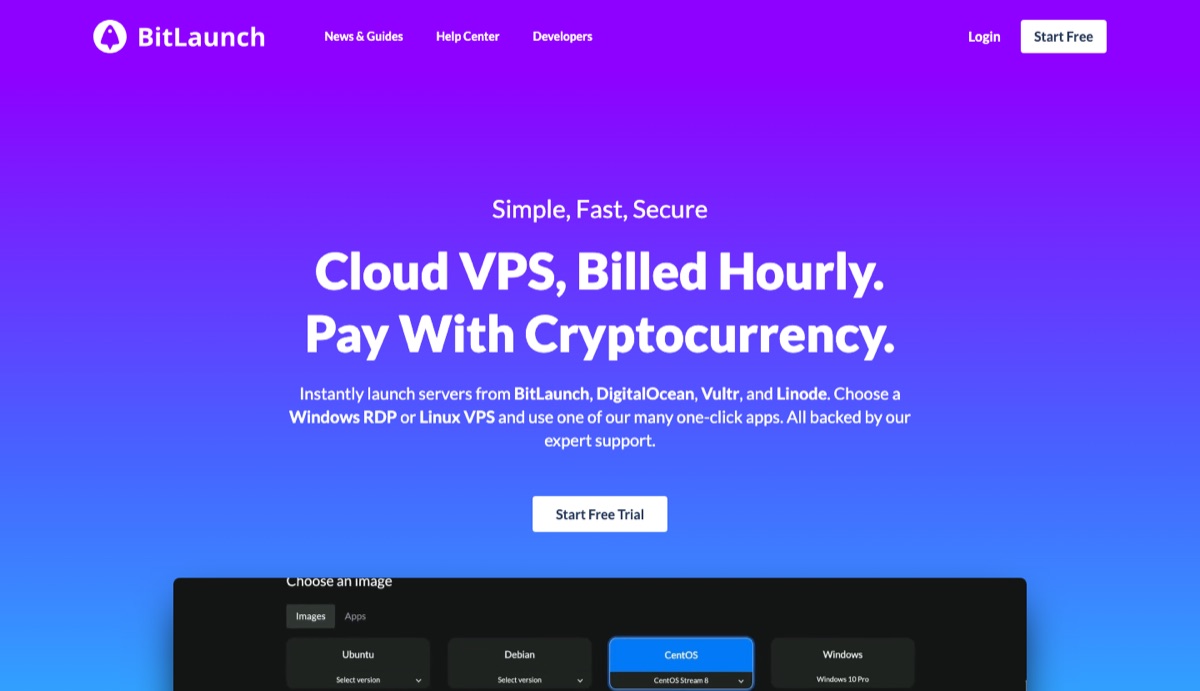
BitLaunch is a cloud VPS provider built around cryptocurrency payments, which is why it never asks for a credit card. From one control panel, you can launch servers on BitLaunch's own hardware or on DigitalOcean, Vultr, and Linode, and pay for all of them with crypto.
Sign-up only needs an email address and a password. That makes it one of the few options on this list you can try without card details or an ID.
It handles both Linux servers and Windows RDP, and there are one-click apps for WireGuard, OpenVPN, Outline, WordPress, and LAMP or LEMP stacks. Billing is hourly, so a test server you delete only costs the hours it ran.
Trial Details
- No credit card is needed: the sign-up form asks only for an email and a password.
- The free credit isn't added automatically. After you create the account, ask support on live chat for trial credit.
- BitLaunch doesn't publish the amount. TechRadar's review describes the trial as lasting a few hours, which is enough to test a server, not to run a project for weeks.
- After the trial, you top up a prepaid balance with Bitcoin, Litecoin, or Ethereum. There's no card on file to be charged when the trial ends.
Data Centers
BitLaunch lists 27 locations across its own servers and its partner clouds. Its own servers include the Netherlands, Romania, and the UK, and DigitalOcean, Vultr, and Linode add locations in North America, Asia, and Australia.
Best Features of BitLaunch
- Servers from BitLaunch, DigitalOcean, Vultr, and Linode in one account.
- Hourly billing from a prepaid crypto balance.
- Free DDoS protection on BitLaunch's own servers and some partner servers.
- One-click VPN apps (WireGuard, OpenVPN, Outline) and WordPress.
- An API and a command-line tool for automating server management.
- Live chat support with technical staff.
#3 Kamatera (Requires CC)
Kamatera is a professional cloud network wherein you can find many products to choose from. They provide 30 days of free trial to test out the services. There are no commitments or contracts here. You can cancel anytime if you don’t like it.
It’s known for its performance and the support they provide. The server is fully configurable. You can choose the OS, resources, and you can even select the type of server you will need.
There are many types of servers available such as general-purpose, dedicated, and a few more types of servers across the globe. They have 13 different data centers to choose from.
With Kamatera, you can set up the server in less than 60 seconds. They make it extremely easy to scale up (or scale down) the server.
The simple management and API make it easier for beginners to do cloud computing. If you can’t figure out something, you can contact support.
They have 24/7 human support available to help you with your queries.
Trial Details
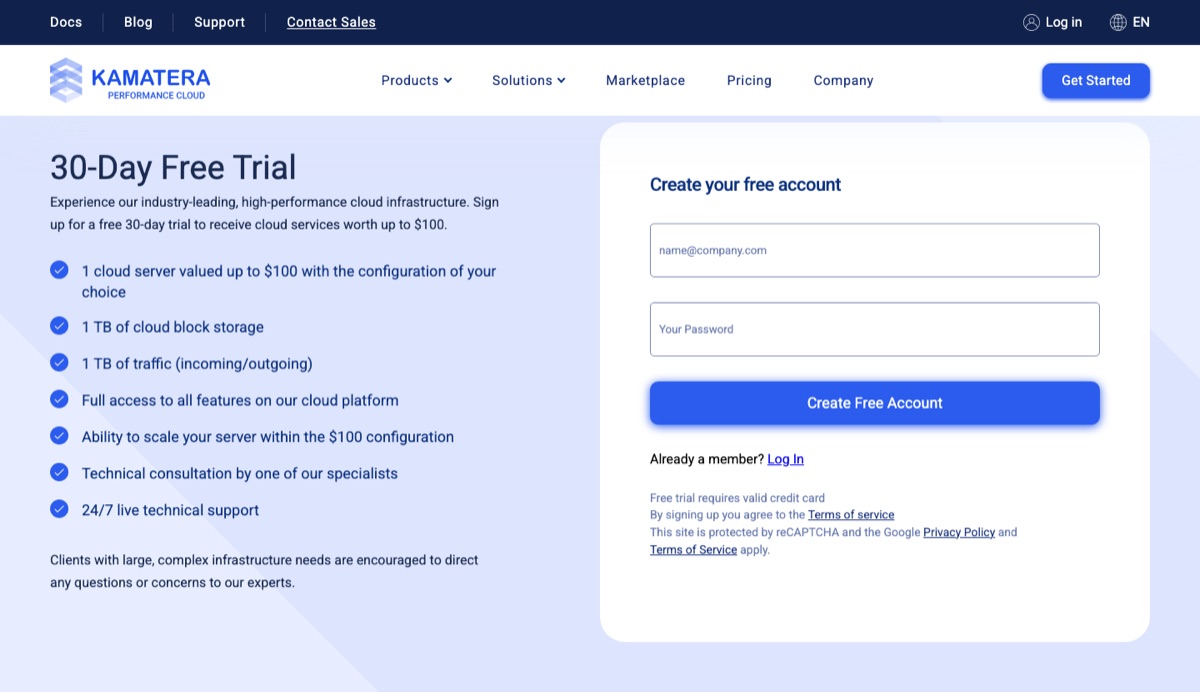
- 30 days of a free trial.
- There are no commitments, you can cancel anytime.
- You will have to provide your credit card but you won’t be charged.
- The trial covers one cloud server worth up to $100, with 1 TB of block storage and 1 TB of traffic (incoming and outgoing).
Data Centers
Kamatera lists 21 data centers on its data center page: Amsterdam, Atlanta, Bucharest, Chicago, Dallas, Frankfurt, Hong Kong, London, Los Angeles, Madrid, Miami, Milan, New York, Santa Clara, Seattle, Singapore, Stockholm, Sydney, Tel Aviv, Tokyo, and Toronto.
Best Features of Kamatera
- Easy scale up and scale down.
- You can add load balancers, security add-ons, or any other things you want.
- A 99.95% uptime promise on its data center page.
- More than 100 operating systems to choose from.
- Awesome hardware with Intel Xeon Platinum/Cascade Lake Processors to speed up your cloud computing tasks.
- They have fully configurable servers. You can remove unwanted services and decrease your overall cost.
#4 Vultr (Requires CC)

Vultr is a beginner-friendly cloud service. It’s not just cost-effective but also has a simple user interface. The intuitive control panel allows you to manage all the services easily. They have 100% SSD-based servers with powerful API.
I've worked with Vultr in two ways as a freelance developer: directly on Vultr servers, where I handled migrations, server setup, and the web apps running on them, and through Cloudways, which can run its managed hosting on Vultr's infrastructure. The difference is who does the server work. On a plain Vultr server, the setup, security updates, and monitoring are yours, while Cloudways handles them for you at a higher monthly price.
They also have a high-performing IP network with private networking. It also includes DDoS mitigation along with other security features.
It comes with a multi-homed network with a redundant network design. Overall, it’s great for all types of cloud computing.
Here, you can configure the server as per your wish. You can choose the OS, and the resources. If you want, you can also upload your ISO file.
There are many plans to choose from. Beginners and businesses alike will find a suitable plan. This also makes it easier to scale up the server.
Trial Details
- The trial period is valid for 30 days.
- You will get free credits worth $50.
- You can use coupon code “ TRY50 ” to get the trial.
- A small catch is that you will need a credit card here but you won’t be charged.
Data centers
Vultr lists 33 data center regions. They include Chicago, New Jersey, Dallas, Seattle, Los Angeles, Atlanta, Amsterdam, London, Frankfurt, Silicon Valley, Sydney, Toronto, Paris, Tokyo, Seoul, Miami, Singapore, Stockholm, and Mexico.
Best Features of Vultr
- You get complete configuration features here. You can even upload your ISO for the OS.
- The security is great. You get a complete backup system with a firewall. All the plans also include DDoS protection.
- Vultr provides a 100% SLA uptime guarantee.
- With 100% Intel cores, you will get powerful hardware for your server.
- You will get many great features like team management, enabled sign-on, and easy management for APIs.
- There is a marketplace to install the best apps.
#5 DigitalOcean (Requires CC)
DigitalOcean is another great hosting choice that you should definitely check out. It is a great value for your money.
They offer a various selection of services built on top of a great cloud infrastructure. Their services and features are constantly improving.
One of the things you’ll appreciate is the fact that it’s user-friendly and can be easily and quickly deployed for any given app for both beginners and advanced users.
Trial Details
- The Cloud host requires a credit card but only for verification purposes.
- New accounts get a $5 free credit, valid for 90 days from registration (see DigitalOcean's pricing FAQ).
- You are eligible for this offer only if you are a new user.
- Once you use up the free credit, your card is charged for anything you run.
Data Centers
DigitalOcean's regional availability docs list 13 regions in 8 countries across 4 continents:
| Continent | City | Country |
|---|---|---|
| North America | New York | USA |
| North America | San Francisco | USA |
| North America | Atlanta | USA |
| North America | Richmond | USA |
| North America | Kansas City | USA |
| North America | Memphis | USA |
| North America | Toronto | Canada |
| Europe | London | UK |
| Europe | Frankfurt | Germany |
| Europe | Amsterdam | The Netherlands |
| Asia | Singapore | Singapore |
| Asia | Bangalore | India |
| Australia | Sydney | Australia |
Best Features of DigitalOcean
- Transparent pricing (pay-as-you-go model)
- 1-click install for multiple apps.
- Any server resource is easily scalable.
- Great and Easy User-interface for both beginners and developers.
#6 OVHcloud (Requires CC or PayPal)
OVHcloud is a major cloud infrastructure provider offering on-demand virtual machines through its Public Cloud Compute platform. It has several instance families, allowing you to choose a VM according to the type of workload you want to run.
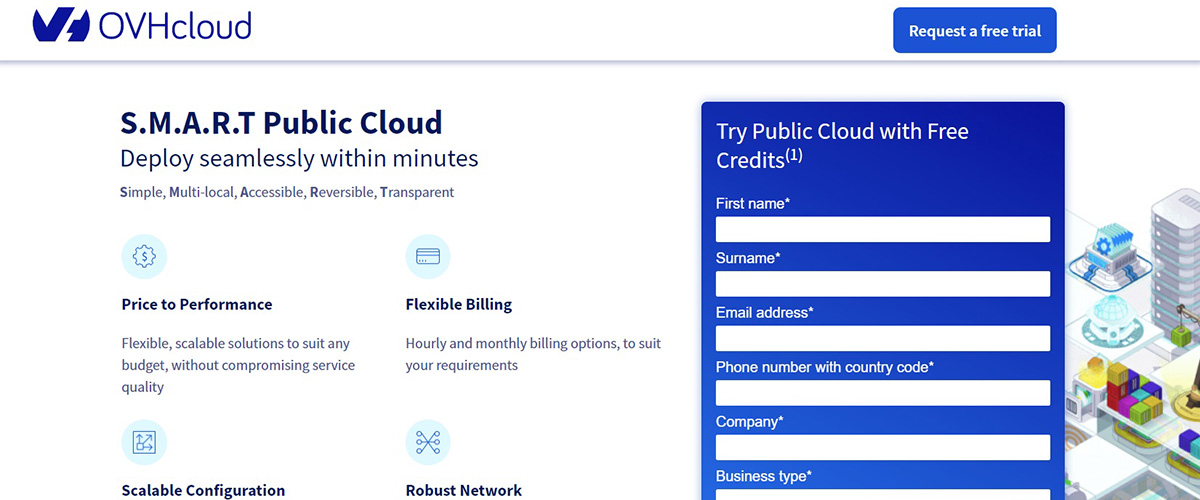
If you're looking for an inexpensive cloud server, the Discovery instances use shared resources and are designed for development, testing, training, and other lightweight workloads. For more demanding projects, OVHcloud also provides General Purpose, Compute Optimized, Memory Optimized, Storage Optimized, and GPU instances.
The platform is flexible and scalable, with hourly or monthly billing and no long-term commitment required. You can also manage your cloud infrastructure through the OVHcloud Control Panel, API, CLI, Terraform, or OpenStack tools.
Trial Details
- New customers can currently receive $200 in free Public Cloud credit.
- You need a valid payment method, such as a credit card or PayPal, saved in your OVHcloud account before the trial starts (OVHcloud trial terms).
- The credit can be used to launch and test OVHcloud Public Cloud services.
- OVHcloud uses pay-as-you-go pricing, with hourly billing available for cloud instances.
- Its inexpensive Discovery d2-2 instance currently starts at $0.0123/hour or $6.74/month, excluding VAT.
- The d2-2 includes 1 vCore, 2 GB RAM, 25 GB storage, and a 100 Mbps public network.
- Since October 1, 2026, a public IPv4 address is billed separately rather than being included in the instance price.
Data Centers
OVHcloud operates Public Cloud infrastructure across Europe, North America, and the Asia-Pacific region.
Its Compute availability includes locations such as France, the United Kingdom, Germany, Poland, Italy, Canada, the United States, Singapore, Australia, and India, with availability varying according to the instance family you select.
Best Features of OVHcloud
- $200 in free Public Cloud credit is currently available for getting started.
- Low-cost Discovery instances are available for development, testing, and lightweight cloud workloads.
- Choose from Discovery, General Purpose, Compute Optimized, Memory Optimized, Storage Optimized, and GPU instances.
- Pay-as-you-go hourly and monthly billing is available.
- Cloud instances can be scaled to larger configurations as your requirements grow.
- Linux distributions include Ubuntu, Debian, CentOS, AlmaLinux, and Rocky Linux, among others.
- Windows Server images are also available.
- OVHcloud supports custom images for greater control over your virtual machines.
- You can manage your infrastructure using the Control Panel, API, CLI, Terraform, and OpenStack Horizon.
- OVHcloud Public Cloud integrates with additional services including networking, object storage, backups, and other cloud infrastructure products.
#7 UpCloud (Requires CC)
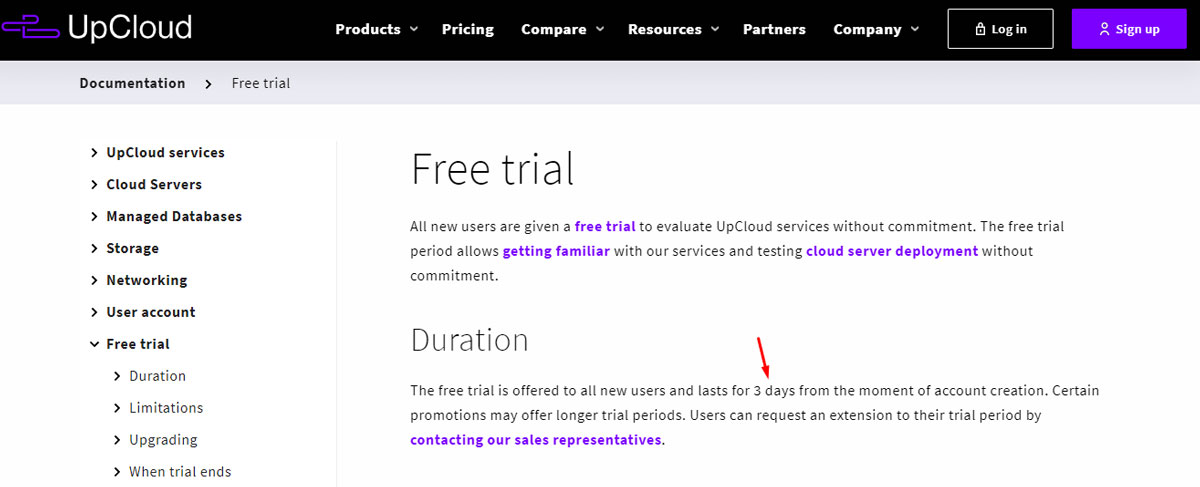
If you are looking for reliable and effortless cloud computing you should check out UpCloud. It has a 7-day free trial to test out the service.
The trial lasts 7 days from the moment you activate it, which is enough to test the server. Here, most of the things are already done for you. For the same reason, they market themselves as an “ Effortless cloud infrastructure ”.
On storage, they are a bit better than everybody else. You will get MaxIOPS block storage which is faster than SSD. When MaxIOPS is compared to AWS EC2 and Cloudways, the results are on UpCloud’s side.
You can expect better speed from this cloud. They have 100% SLA uptime which is yet another great thing about UpCloud.
For cloud computing, they have an easy-to-manage control panel. You can set up the server and use the automated tasks to make your work easier.
UpCloud has the best features and tools to automate your cloud computing. We can tell it’s an effortless cloud.
Trial Details
- You will get a 7-day free trial, which starts when you activate it in the control panel.
- Trial servers are limited to 2 CPU cores and 4 GB of memory, and Windows servers aren't available during the trial.
- You get up to 60 GB each of Archive, Standard, and MaxIOPS block storage.
- The card is required but won't be charged. UpCloud places a temporary $0 or $1 authorization to verify it.
Data Centers
Sydney, Helsinki, Madrid, Frankfurt, Amsterdam, Warsaw, Singapore, London, Chicago, New York, and San Jose.
Best Features of Upcloud
- 100% SLA.
- It uses MaxIOPS which ensures the speed is better.
- The security features are included.
- UpCloud makes it easier to automate your cloud computing with the server.
- The support is great.
- Enterprise-grade hardware to have peace of mind.
- Consistent network performance.
#8 AccuWeb.Cloud (Requires a Payment Method)
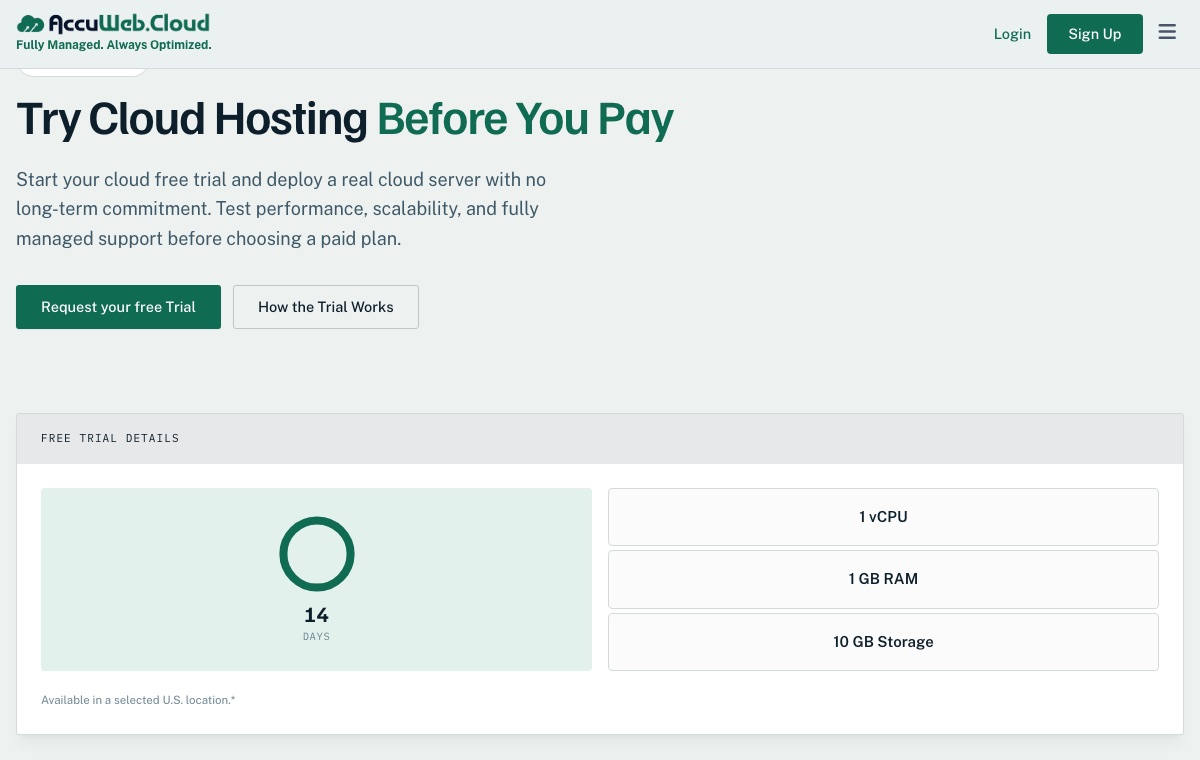
AccuWeb.Cloud sells fully managed cloud VPS servers. You can deploy an empty server or pick from a catalog of more than 40 ready-to-install apps (Laravel, WordPress, Nextcloud, Odoo, and the n8n automation tool among them), and AccuWeb.Cloud's team manages the underlying servers for you. The company says it has more than 23 years of experience in the hosting business, and its servers run in Equinix data centers.
The trial is meant for testing, not for running a project. You get a small fixed server for two weeks, and AccuWeb.Cloud approves each request before it activates the server.
Paid plans can be billed by the hour or by the month, and AccuWeb.Cloud will move an existing site over for free.
Trial Details
- 14 days on a cloud VM with 1 vCPU, 1 GB of memory, and 10 GB of storage.
- You request the trial with a short form: name, email, phone number, company or website, address, and why you want to test it.
- A valid payment method is needed for a $1 account verification. The $1 is credited to your AccuWeb.Cloud account after activation, so it isn't a fee.
- The trial server runs in a selected U.S. location, subject to availability.
- Some paid features, licensed applications, and add-ons may not be included in the trial.
- After 14 days, you choose a paid plan if you want to keep using the platform.
Data Centers
AccuWeb.Cloud has 4 data centers: New York, Los Angeles, Frankfurt, and Mumbai.
Best Features of AccuWeb.Cloud
- Fully managed cloud VPS with 24/7 support included.
- A catalog of more than 40 apps you can install in one click; n8n runs without per-execution fees.
- Pay by the hour, or switch to a monthly invoice.
- Paid plans start at $4.95/month for 1 vCPU, 1 GB of memory, 12 GB of NVMe storage, and 1 TB of bandwidth. The dedicated IP is billed separately by the hour, so the monthly total can vary slightly.
- Full root or administrator access.
- Free migration from your current host.
FAQ (Frequently Asked Questions)
Is OVHcloud free?
No, OVHCloud is not completely free. However, they do offer a small free trial to test the cloud. New customers get $200 worth of free credits, valid for one month.
How do I create a free VPS?
You can use Kamatera to create a free cloud VPS (trial). All you need to do is create an account at Kamatera and deploy the server. You will have to either choose a plan or select the requirements for your VPS.
How do I create a free cloud instance?
You will have to choose a cloud provider like Digital Ocean. First, you need to configure the cloud instance with your needed resources. After that, you can create the server with just one click. It takes less than a minute to deploy the server.
How do I get a free VPS without a credit card?
If you want to avoid cards completely, go with BitLaunch: it only takes cryptocurrency, and support adds a few hours of trial credit on request. For a longer test, Kamatera gives you 30 days, but you will need a credit card. You won't pay during the trial, since the card is there to verify that you are not a spammer. Just remember that the charge starts automatically when the trial ends if your server is still running. You can also use a virtual credit card if you don’t want to use yours.
Conclusion
To conclude, these are a few options you can try for cloud computing. There are no fully free cloud computing servers available.
You can get the trial for a few days and then decide which one is best for you. All the above-given cloud computing servers are great. Here are a few recommendations depending on your requirements.
- For all the advanced users or people running a mid-size business, you can go with OVHcloud. It offers everything from low-cost Discovery instances to GPU and memory-optimized servers as you grow.
- For small businesses and startups, Vultr will be the best option.
- Kamatera is a cloud VPS service most suitable for people who want better control over the VPS.
- UpCloud is mostly for speed. If speed is the major requirement, you can go with UpCloud.
- Digital Ocean is especially for developers and for people who want to get an affordable server.
- AccuWeb.Cloud suits people who want a managed cloud server with support included, and who can verify with a payment method.
Depending on which category you fall under, you can choose the best server.